WE ARE FOOTBALL 2027: External Editor Guide
Complete WE ARE FOOTBALL 2027 editor guide: launch the external tool, create custom clubs, edit player databases, and import or export .wafdb files.
Frequently Asked Questions
Where is the WE ARE FOOTBALL 2027 external Editor installed?
Can I import a community Megapatch and edit it in the Editor?
Do Editor changes apply to an existing career save?
What file format does the Editor use for sharing databases?
What the WE ARE FOOTBALL 2027 Editor Does
The external Editor is Winning Streak Games’ official modding toolkit for WE ARE FOOTBALL 2027. It lets you build fictional clubs, reshape league pyramids, tune player attributes, and publish shareable database packages—without third-party trainers or memory editors.
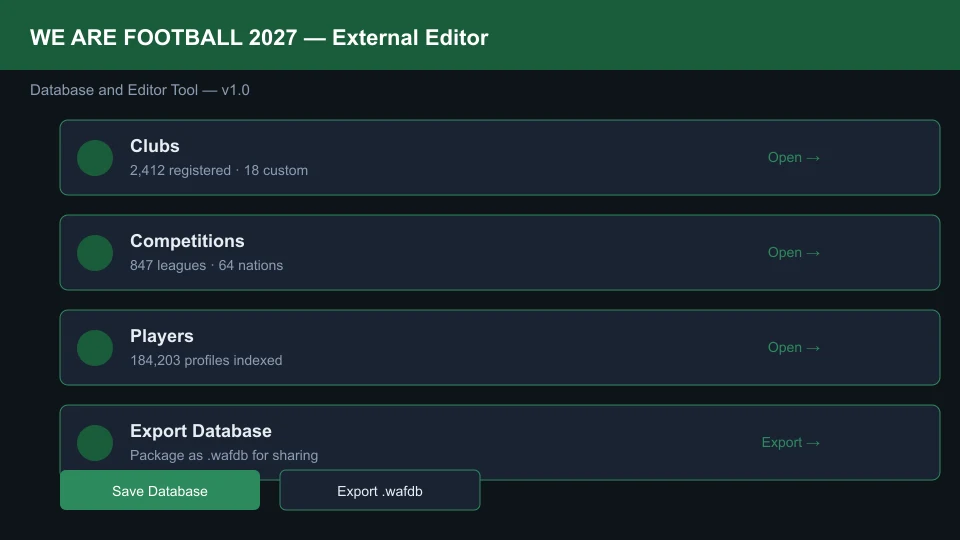
Unlike the lightweight in-game editor (contract tweaks and morale sliders during a live save), the external tool edits the master database files that every new career reads on day one.
Launching the Editor (Two Paths)
You can open the Editor from Steam or directly inside the game:
- Steam Library route: Right-click WE ARE FOOTBALL 2027 → Manage → Browse Local Files → run
Editor.exeinside thetools/editor/directory. - In-game route: From the title screen, select Database & Editor → Launch External Editor. The game passes your active profile path automatically.
The Editor reads and writes the same directory referenced in our /patch/real-name-database-patch/ installation guide:
%USERPROFILE%\Documents\WE ARE FOOTBALL 2027\database\
Creating a Custom Club from Scratch
Building your own club is the most common Editor workflow after installing real-name data:
- Open the Clubs tab and click New Club.
- Set Club Name, Short Name, Founded Year, and Country.
- Upload a Crest (512×512 PNG with transparent background recommended).
- Assign a Home Stadium or create a new venue under Stadiums.
- Link the club to a Competition slot in the Competitions tree (e.g., English League Two).
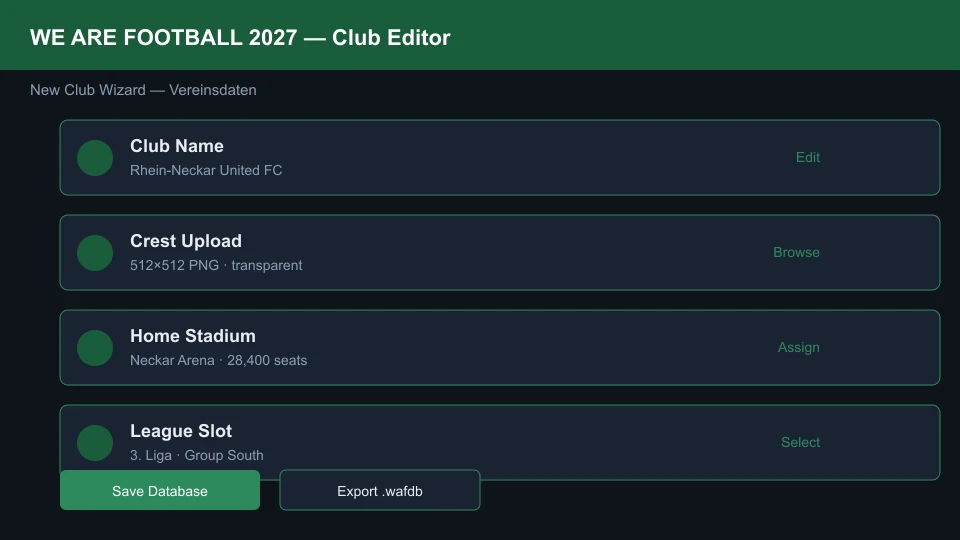
After saving, generate a starter squad under Players → Generate Squad for Club or import a CSV roster (see below). Test the club immediately in Creative Mode before committing to a full career—our /guides/beginner-guide/ covers the first-month checklist once your database is live.
Editing Player Values and Bulk Imports
The Players module exposes every attribute the match engine uses: pace, stamina, heading, morale baseline, wage demands, and contract expiry.
| Task | Editor path | Notes |
|---|---|---|
| Edit one player | Players → Search → Attributes | Changes sync to players/ JSON shards |
| Bulk attribute edit | Players → Batch Edit → Filter by club | Useful for rebalance patches |
| CSV import | File → Import → Player CSV | Header row must match player_import_template.csv |
| Facepack alignment | Players → Portrait ID | Match portrait IDs to Megapatch facepack indexes |
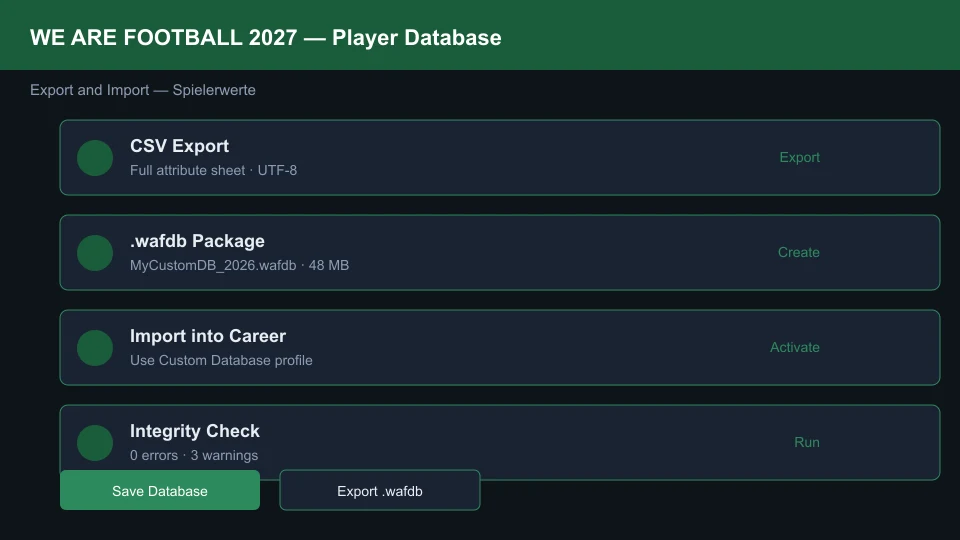
When importing CSV files, keep player IDs stable. Community facepacks and the Megapatch reference those IDs—random renumbering breaks portraits across your entire database.
Building Custom Leagues and Competitions
The Competitions tab controls pyramid structure, promotion/relegation slots, cup draws, and foreign player limits:
- New Competition Wizard: Define nation, tier level, number of teams, and round format.
- Promotion/Relegation Links: Drag arrows between tiers to mirror real pyramids or invent sci-fi structures.
- Season Calendar: Set matchday spacing; congested calendars increase injury rates once you start playing.
Export the competition tree as part of your .wafdb package so friends load identical rules. For match-day tactics tuned to your custom league tempo, cross-reference /tactics/best-tactics-formations/.
Export, Import, and Activating In-Game
When your database is ready to ship:
- Choose File → Export Database and save as
MyCustomDB_2026.wafdb. - Alternatively, copy the live
database/subfolders (clubs,competitions,players,database.cfg) to a zip for forum sharing. - To import someone else’s package: File → Import Database and select their
.wafdb, or extract into your localdatabase/folder. - Launch WE ARE FOOTBALL 2027, start New Game, enable Use Custom Database, and pick your profile name from the dropdown.
Editor Workflow Checklist
Use this sequence to avoid broken saves:
- Install the Megapatch (optional but recommended for authentic baselines).
- Back up
Documents/WE ARE FOOTBALL 2027/database/. - Edit clubs, competitions, and players in the external Editor.
- Validate with Tools → Database Integrity Check (zero errors required).
- Export
.wafdband start a new career with Use Custom Database. - Scout wonderkids under your custom rules via /talents/best-wonderkids-guide/.
The Editor is the backbone of the WE ARE FOOTBALL 2027 modding scene—master import/export first, then iterate on league design and squad building at your own pace.
Related Guides
Was this helpful?
Thanks for the feedback!