WE ARE FOOTBALL 2027: Real Name Patch Guide
How to install the WE ARE FOOTBALL 2027 real name database patch: Authentic club badges, real player rosters, licensed leagues, and megapatch files.
Frequently Asked Questions
Is the real name database patch free to download?
Does the megapatch work on ongoing career saves?
Will installing a custom patch disable Steam achievements?
Why WE ARE FOOTBALL 2027 Needs a Real Name Patch
Due to strict international licensing restrictions, developer Winning Streak Games delivers the vanilla release with fictional club names, generic logos, and generated player identities. To enjoy realistic immersion across the Premier League, Bundesliga, La Liga, and European continental tournaments, installing a community real name database patch is essential.
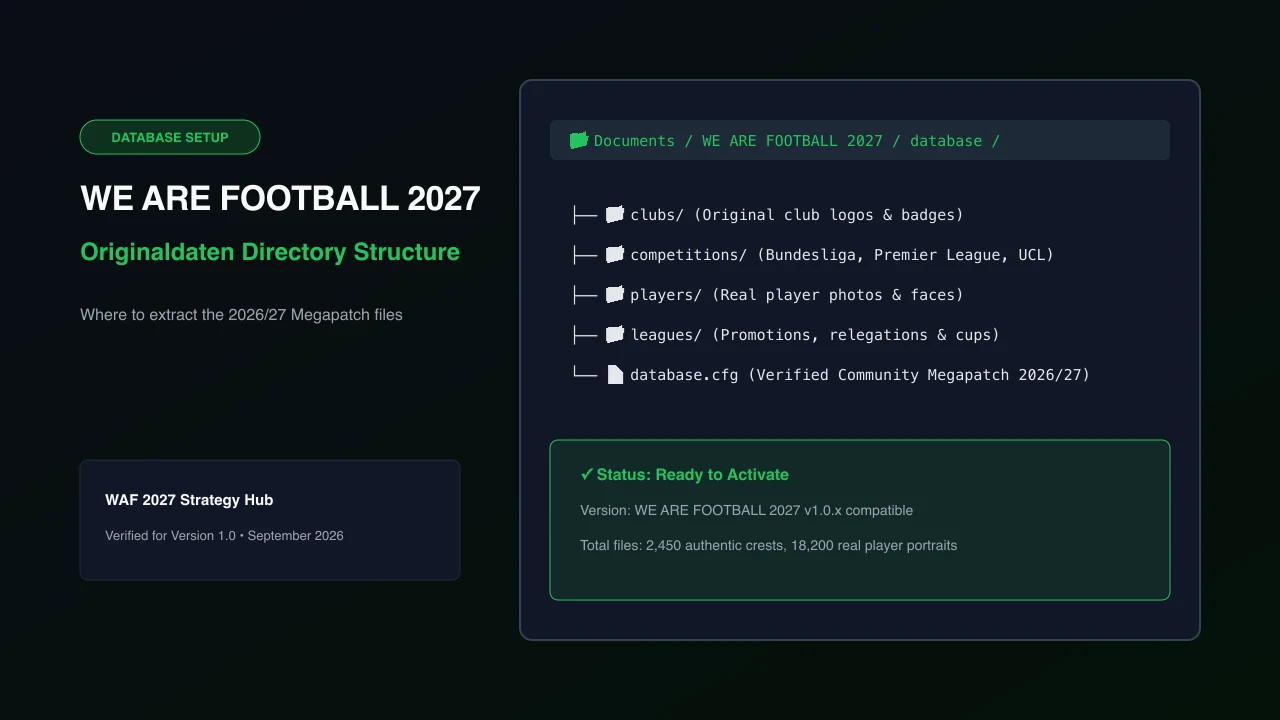
The 2026/27 Megapatch integrates more than 2,400 authentic club crests, over 18,000 real player portraits, and verified historical rivalries. Once you have installed your database files, jump directly into managing your club with our comprehensive /guides/beginner-guide/.
Step-by-Step Installation Tutorial
Installing the megapatch takes less than three minutes and requires no modding software:
- Download the Megapatch Archive: Obtain the verified 2026/27 release archive from the official community Discord or reputable fan hubs.
- Locate the Documents Folder: Open Windows File Explorer and navigate to your user directory:
%USERPROFILE%\Documents\WE ARE FOOTBALL 2027\database\ - Extract All Content: Unzip the folders named
clubs,competitions,players, and the configuration filedatabase.cfgdirectly into the database directory. - Launch and Verify: Start the game on Steam and open the Editor menu to confirm the custom files are recognized.
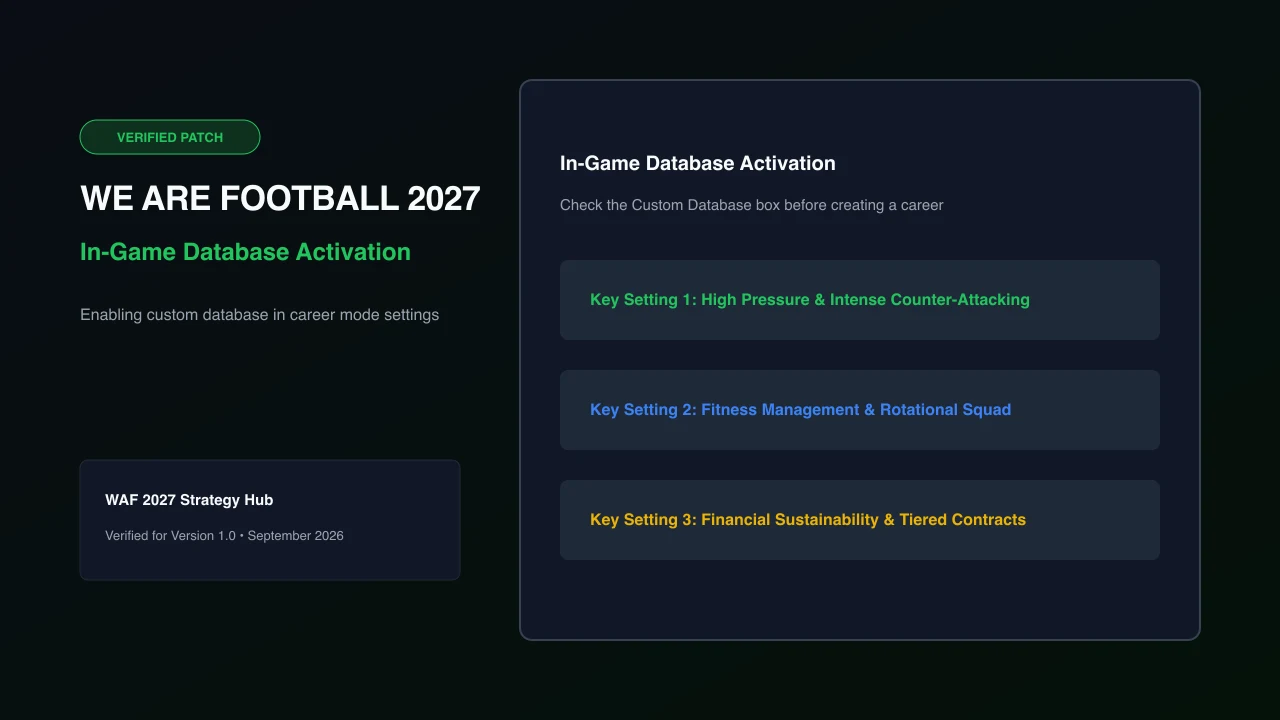
Activating the Custom Database In-Game
To make sure your new savegame loads the authentic data files, select the appropriate option during setup:
- Click New Game on the main menu.
- Choose your game mode (such as Free Club Selection or Career Mode).
- In the setup screen, check the box labeled Use Custom Database.
- Ensure the profile points to Community Megapatch 2026/27.
With your real squads loaded, you need a competitive setup to conquer the division. Check out our breakdown of /tactics/best-tactics-formations/ to build a title-winning team.
Looking to sign elite young stars for your roster? Browse our hand-picked list of /talents/best-wonderkids-guide/ or experiment with custom rules using /guides/cheats-and-trainer/.
Related Guides
Was this helpful?
Thanks for the feedback!